
In this guide
Our pets are more than just animals; they're family. Capturing their unique personalities in a photo is great, but transforming that photo into a timeless pencil sketch creates a true keepsake. Whether you want to celebrate a new puppy, create a memorial for a beloved companion, or gift a custom portrait to a fellow pet lover, PencilArt.app makes it effortless.
Why Pencil Sketches for Pets?
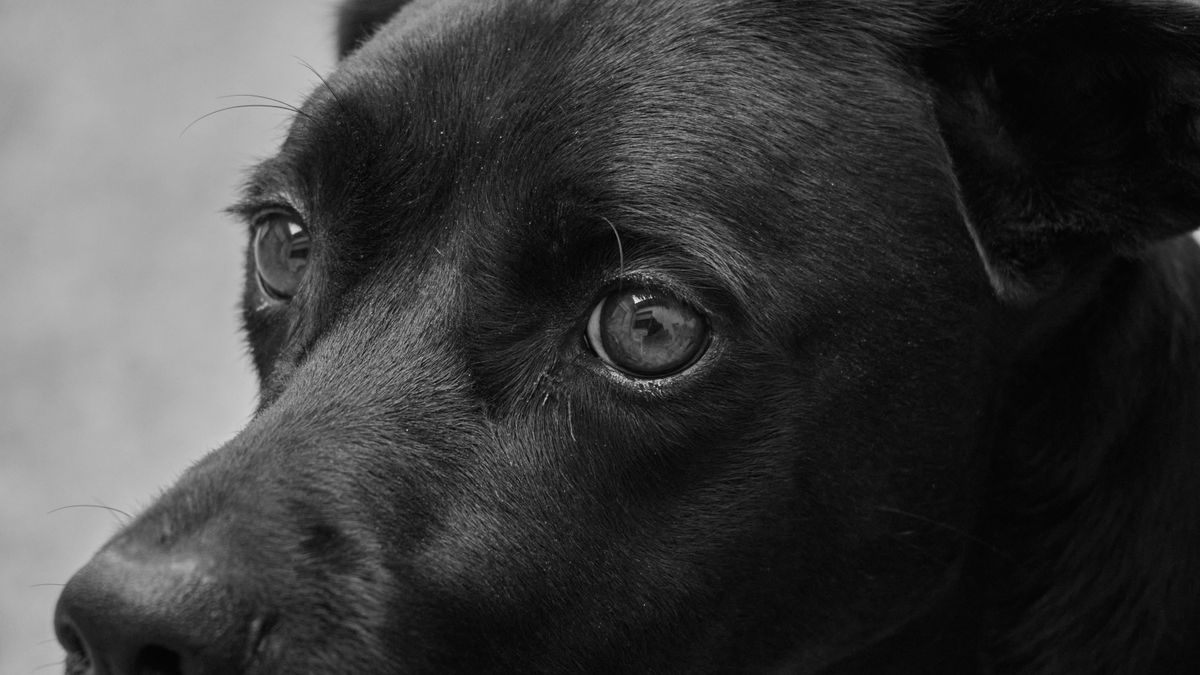
Pencil art naturally enhances the textures that make animals so beautiful—the softness of fur, the shine in their eyes, and the distinct patterns of their coats. Unlike color photos which can sometimes be distracting with busy backgrounds, a black and white pencil sketch focuses entirely on the subject.
Step 1: Taking the Perfect Pet Photo
Great art starts with a great reference. Since animals rarely sit still, here are some tips to get the best shot for sketching:
- Eye Level: Get down to your pet's eye level. This creates a more personal and engaging connection in the portrait.
- Natural Light: Use soft, natural light (like near a window). Avoid harsh flash which can cause "red-eye" or unnatural reflections.
- Focus on the Eyes: Ensure the eyes are sharp and in focus. They are the soul of the portrait.
- Capture Texture: Try to get close enough to show the direction of the fur or whiskers.
Step 2: Choosing the Right Style
Different pets look better with different artistic styles on PencilArt.app:
Detailed Style (Recommended for Fur)
If your pet has long, fluffy, or textured fur (like a Golden Retriever or a Maine Coon cat), the Detailed Style is your best bet. It preserves the fine lines of individual hairs and whiskers, creating a realistic, touchable look.
Rough Pencil for loose strokes
For pets with smooth coats (like a Beagle or a French Bulldog) or for a more expressive, energetic look, try Rough Pencil. It uses loose strokes to capture the form and movement of the animal.
Step 3: Creating Your Pet Portrait
- Upload: Go to your PencilArt.app dashboard and upload your chosen pet photo.
- Select Style: Choose 'Detailed' or 'Realistic' based on your pet's fur type.
- Adjust Intensity: We recommend a higher intensity (7-9) to really bring out the contrast in the fur patterns.
- Generate: Click 'Generate Sketch' and watch your pet's portrait come to life in seconds.
Creative Ways to Use Pet Sketches
Once you have your high-resolution download, the possibilities are endless:
- Framed Wall Art: A classic choice. A simple black frame with a white mat looks elegant in any room.
- Memorial Stones: For pets who have passed, transferring the sketch onto a stone or plaque creates a touching tribute.
- Custom Merchandise: Print your pet's sketch on mugs, tote bags, or even a throw pillow.
- Tattoo Design: Many users use our detailed sketches as a reference for pet memorial tattoos.
Conclusion
You don't need to hire an expensive commission artist to get a beautiful, hand-drawn look for your pet. With AI, you can create as many versions as you like until you find the perfect one. Try creating a portrait of your pet today and see the magic for yourself!
Published by PencilArt.app. Editorial policy · Report a correction